
Create Windows 7 Bootable USB Drive or DVD Using Official “Windows 7 USB/DVD Download Tool” from Microsoft.Microsoft has released a new utility "Windows 7 USB/DVD Download Tool" which allows you to create a bootable USB drive to install Windows 7. It also allows you to create bootable DVD.
You can download it using following link:
Download Windows 7 USB/DVD Download Tool
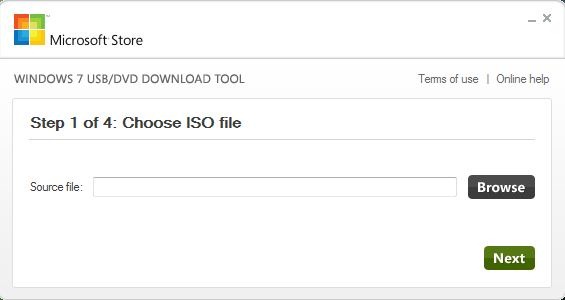
After downloading and installing the tool, when you launch it, it’ll ask you to select the path where you have stored Windows 7 ISO file and you can easily make your flash drive bootable. Earlier we covered how to make a flash drive bootable using command prompt as well.It is in Tips and Trix Section of WindowsVJ.com
System Requirements:
- Windows XP SP2, Windows Vista, or Windows 7 (32-bit or 64-bit)
- Pentium 233-megahertz (MHz) processor or faster (300 MHz is recommended)
- 50MB of free space on your hard drive
- DVD-R drive or 4GB removable USB flash drive
Tx 2 VG for sharing this tip.
One thought on “Windows 7 USB/DVD Download Tool”