
You can always select which icons & Notifications you want to appear on the taskbar in Windows .
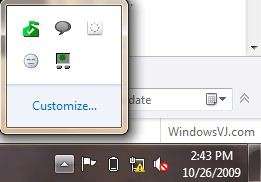
Navigate to control panel,All control Panel Items>Notification Area Icons.
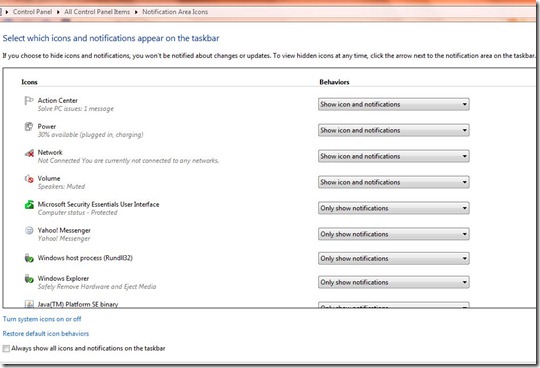
Here you can select for which application you want to remove / show notification or Icon.
Although it does not removes or loads and of the application in the memory.If you wish to tweak the application to appear/disappear at startup you may require it to tweak through MSCONFIG.
Hello. And Bye.