
Windows 7 has a new feature which can display all wallpapers in a desktop Slideshow. Earlier there were few software that can display a slideshow of all your Wallpapers (Webshots being one of the most popular). To setup a desktop slideshow :
- Right-click at the desktop
- Select Personalise > Desktop Background

Here you can browse the Picture location to select a folder to choose images for desktop slideshow.
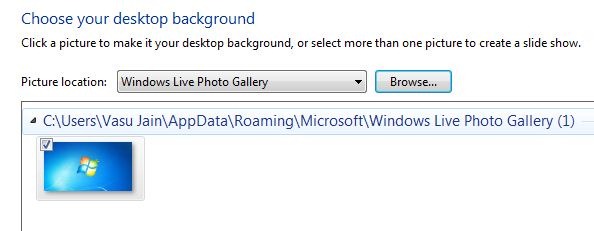
- Select and click as many images from the folder you want for desktop slideshow.
- Duration of slideshow can be chosen (anything from daily to once every 10 seconds), also order of appearance can be selected as sequential or shuffle.

Click Save Changes and enjoy the Slideshow.