
Jump Lists are a new feature in Windows 7 that shows recently used files for a particular application or related tasks to an application. Jumplists can be accessed by right clicking an application icon in Windows 7 taskbar.
Although it can be accessed by left clicking an application icon and while holding the mouse click dragging the icon upwards. i.e. Right click and drag the application icon upwards to access jumplists in Windows 7 using Left Mouse button.
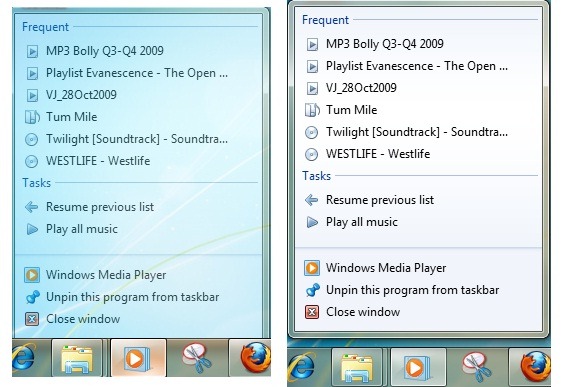
The more you drag icon upwards the lesser transparency of Jumplist becomes. In above screenshot, case 1 shows when jumplist invoked through right click and application icon is not dragged much upwards while case 2 shows solid jumplist when application icon is dragged upwards completely.