
Adding a bookmark in firefox is much easier now. Internet Geeks often maintain a good collection of favorites and they bookmark them regularly as well.In firefox Keeping track of the sites you like has gone better and time saving as well with one-click bookmarking.
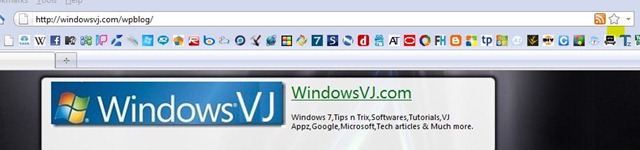
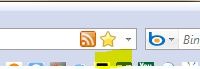

When you visit a page you’d like to remember, just click on the star icon in the location bar. Firefox will add it to your bookmarks list so you can easily find it again.